WebHarvy proxy with LightningBytes
Use LightningBytes with WebHarvy for flexible and reliable web scraping
What is WebHarvy?
WebHarvy is a no-code web scraping tool that lets you extract data from websites using a visual, point-and-click interface. You can select text, images, links, tables, and other page elements without writing scraping code.
For scraping projects that involve large numbers of requests, multiple locations, or targets with anti-bot measures, you can configure WebHarvy to use proxy servers. WebHarvy supports individual proxies as well as proxy lists with automatic rotation.
- Custom proxy configuration
- 30M+ residential IPs pool
- 24/7 expert support
How to use LightningBytes proxies with WebHarvy
Follow the steps below to route WebHarvy through your LightningBytes residential or mobile proxies.
- 1
Open WebHarvy's proxy settings
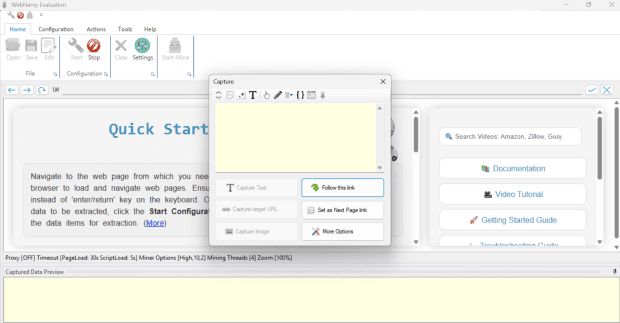
Open WebHarvy and go to Home → Settings. Then select Proxy Settings
- 2
Enable proxy server
In Proxy Settings, check Enable network connection via Proxy Server to activate the proxy configuration options
- 3
Generate your LightningBytes proxy
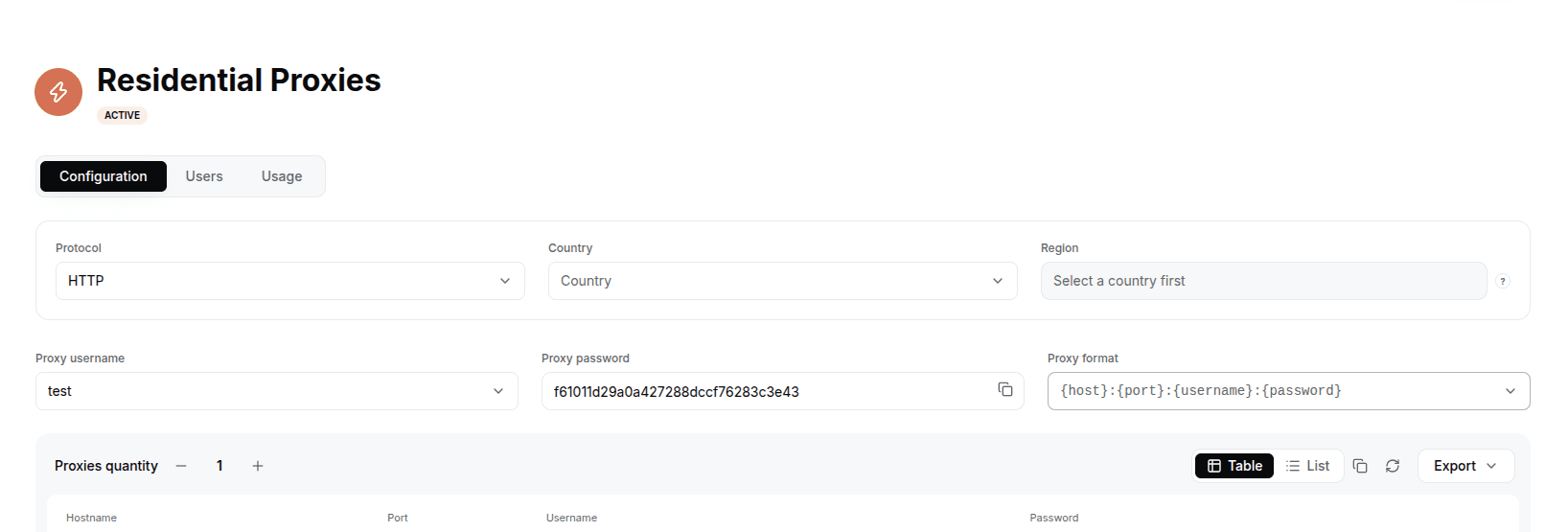
In the LightningBytes dashboard, open your Residential or Mobile proxies page and go to the Proxy tab. Choose the protocol (HTTP or SOCKS5), set the country and region if you need targeting, and select the proxy user. Copy the generated endpoint, host:port:username:password by default, or pick a different format from the Proxy format dropdown.
- 4
Add proxy to WebHarvy
Copy the LightningBytes proxy credentials into the corresponding fields in WebHarvy. Click the + button to add the proxy to your proxy list, then apply the settings
- 5
Enable proxy rotation
If you want WebHarvy to switch between multiple IP addresses, add additional LightningBytes proxies to the proxy list and enable Rotate proxies.
- 6
Start scraping
Return to your WebHarvy project, enter the target URL, and start your scraping workflow. WebHarvy will use the configured LightningBytes proxy connection when accessing the target
Connect WebHarvy to clean, filtered IPs
Residential IPs for scraping e-commerce data at scale, mobile carrier IPs for the hardest targets, on pay-as-you-go or subscription plans with HTTP(S) and SOCKS5.